Box Switches vs Standard MX Stem: A Guide for Keyboard Builders

For keyboard builders and enthusiasts, selecting the right switch type can make a significant difference in the final build's performance and feel. One common decision involves box switches vs standard MX stem switches, each offering distinct advantages and trade-offs. Understanding these differences is crucial for achieving the desired typing experience. This article explores the key distinctions between box switches and standard MX stem switches, covering their design, performance, and installation considerations. Whether you're building a custom keyboard or upgrading an existing one, this guide will help you make an informed choice. We’ll break down the structural and functional differences, keycap stretching techniques, and practical tips for testing and evaluating switch performance. By the end, you’ll have a clear understanding of which switch type suits your build goals best.
Understanding Box Switches and Standard MX Stem Switches
Box switches and standard MX stem switches represent two distinct approaches to mechanical switch design, each with its own set of advantages and trade-offs. Understanding their differences is crucial for keyboard builders aiming to select the right switch type for their build. This section explores the fundamental characteristics of both switch types, highlighting their structural and functional variations.
What Are Box Switches?
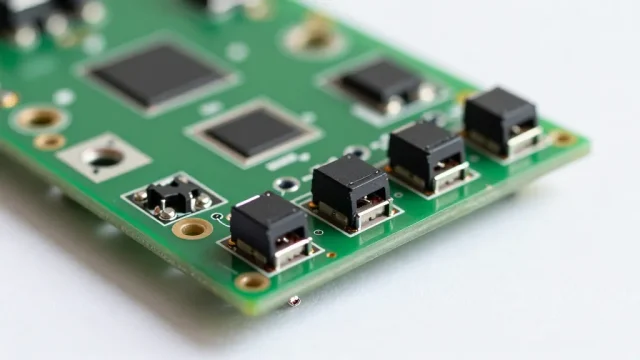
Box switches are a relatively newer type of mechanical switch, characterized by their sealed, box-like housing. Unlike traditional switches, which often feature a stem that extends through the switch housing, box switches encase the entire switch mechanism within a rigid, enclosed body. This design enhances durability and provides a more compact profile, making them popular for modern keyboard builds that prioritize both aesthetics and functionality. The sealed housing also helps to reduce the risk of dust and debris entering the switch, contributing to long-term reliability.
What Are Standard MX Stem Switches?
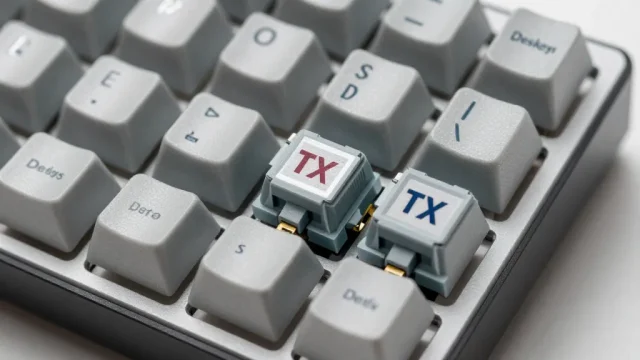
Standard MX stem switches are the traditional design used in Cherry MX switches, which have been a staple in the mechanical keyboard community for decades. These switches feature a stem that extends through the switch housing, allowing for a more pronounced tactile feedback and actuation point. The stem design enables a more direct connection between the keycap and the switch mechanism, which can influence the overall feel and responsiveness of the keyboard. While they may not offer the same level of sealing as box switches, standard MX stem switches are generally more compatible with a wide range of keycaps and switch housings, making them a versatile choice for many builders.
Design and Structural Differences
The design and structural differences between box switches and standard MX stem switches significantly impact their functionality, durability, and compatibility with various keyboard builds. These differences stem from their distinct architectural choices, which influence how they interact with keycaps, keyboard frames, and the overall build process.
Physical Structure and Housing
Box switches feature a more compact and sealed body, which contributes to their enhanced durability. This design minimizes the risk of dust and debris entering the switch mechanism, making them ideal for environments where reliability is a priority. The sealed housing also helps protect internal components from wear and tear, extending the switch's lifespan. However, this compact structure can sometimes limit customization options for advanced users who prefer to modify internal components.
Stem Design and Compatibility
Standard MX stem switches, in contrast, have a more open design that allows for greater flexibility in customization. This openness makes it easier for keyboard builders to adjust the switch's internal components, such as springs or stabilizers, to suit specific preferences or performance needs. The stem design also plays a crucial role in how switches fit into keyboard frames and keycaps. MX stem switches typically offer a more straightforward installation process, as they are designed to work seamlessly with standard keycap profiles and frame cutouts. This compatibility simplifies the build process, especially for those who prioritize ease of assembly and maintenance.
Performance and Functional Trade-Offs
Performance and functional trade-offs between box switches and standard MX stem switches largely depend on the mechanical design and intended use. These differences influence factors such as actuation, travel, noise, and tactile feedback, making each type suitable for different typing preferences and environments.
Actuation and Travel Characteristics
Box switches typically feature a more compact and sealed housing, which can lead to a shorter actuation distance and a lighter actuation force compared to standard MX stem switches. This design often results in a more responsive feel, especially for users who prioritize speed and efficiency in their typing. However, the reduced travel distance may affect the overall typing experience for those who prefer a longer, more deliberate keystroke.
Noise and Tactile Feedback
Standard MX stem switches are known for their tactile and audible feedback, thanks to the exposed stem and the way they interact with keycaps. This design allows for a more pronounced click or tactile bump, making them popular among users who enjoy a sensory response with each keystroke. In contrast, box switches may offer a quieter and more consistent feel, which can be beneficial in shared or professional environments where noise is a concern. The trade-off between noise and tactile feedback is a key consideration when selecting between these two switch types.
Keycap Stretching and Installation Considerations
Keycap stretching is a critical aspect of mechanical keyboard assembly, influencing both aesthetics and functionality. Standard MX stem switches are more prone to stretching due to their open design, while box switches offer tighter tolerances that can minimize this issue. Understanding the differences in stretching techniques and installation practices for each switch type is essential for achieving a clean, professional build.
Keycap Stretching Techniques
Keycap stretching is more common with standard MX stem switches because their open housing allows for greater movement during installation. This can lead to slight stretching of the keycap material, especially with softer plastics like POM or PBT. To mitigate this, builders often use keycap splitters, heat guns, or stretching tools to carefully adjust the keycap without damaging its integrity. The goal is to ensure a snug fit while maintaining the keycap's shape and durability.
Installation Tips for Each Switch Type
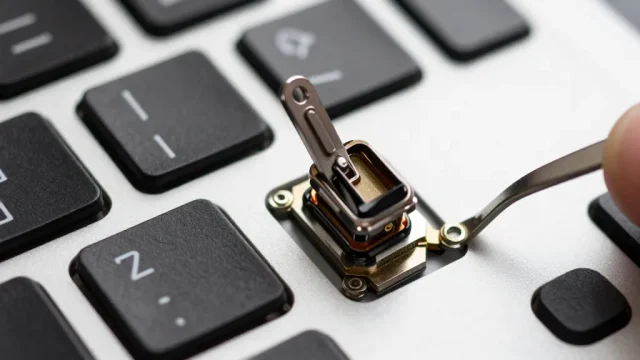
Installation techniques vary depending on the switch type and keycap material. For standard MX stem switches, it's important to use a keycap puller to avoid damaging the switch housing or keycap. Applying even pressure and aligning the keycap correctly can prevent misalignment and stretching. Box switches, with their tighter tolerances, generally require less stretching, but they still benefit from careful installation to prevent warping or misalignment. Using a consistent installation method and checking for fit before securing the keycap is recommended for both switch types.
Choosing Between Box Switches and Standard MX Stem Switches
Selecting between box switches and standard MX stem switches requires careful consideration of your typing habits, build objectives, and the environment in which you'll use your keyboard. Each switch type offers distinct advantages and drawbacks, so aligning your choice with your specific needs is crucial for optimal performance and satisfaction.
Factors to Consider When Choosing
When deciding between box switches and standard MX stem switches, evaluate your typing preferences and build goals. Box switches are often preferred for their compact design and reduced keycap stretching, making them ideal for low-profile builds and users who prioritize a clean, minimal aesthetic. Standard MX stem switches, on the other hand, are typically favored for their robust build quality and compatibility with a wide range of keycaps, making them a versatile choice for those who value reliability and customization. Consider whether you prioritize aesthetics, durability, or keycap flexibility when making your decision.
How to Test and Evaluate Switch Performance
To evaluate switch performance, test both types in real-world scenarios. Use a keyboard build or test board to assess actuation force, travel distance, and tactile feedback. Pay attention to how each switch feels during prolonged typing sessions and under different conditions, such as high-traffic gaming or extended writing tasks. Testing will help you identify which switch aligns better with your personal preferences and usage patterns, ensuring a more tailored and satisfying keyboard experience.
Frequently Asked Questions
Are box switches more durable than standard MX stem switches?
Box switches are generally more durable due to their sealed housing and reinforced stem design. Standard MX stem switches, while reliable, may be more susceptible to wear over time.
Can I use box switches with keycaps designed for standard MX stems?
Box switches are compatible with standard MX stem keycaps, but the stem height difference may affect keycap fit. Some keycaps may require slight adjustments for a secure fit.
Do box switches offer better dustproofing compared to standard MX stems?
Box switches provide superior dustproofing due to their sealed construction. Standard MX stem switches, while functional, are less effective at keeping out dust and debris.
What are the key differences in sound and feel between box switches and standard MX stems?
Box switches often produce a quieter, more consistent sound due to their sealed housing. Standard MX stems may offer a more traditional tactile feel but can be noisier.
Final Thoughts
Choosing between box switches and standard MX stems depends on your priorities: durability, noise, and compatibility. Both have distinct advantages, so consider your build goals before making a decision.
Test switches in person or through reviews to evaluate their performance. Whether you prefer the sealed reliability of box switches or the classic feel of standard MX stems, your choice will shape your typing experience.